Kyzentree Academy
Helping you master your manufacturing operationsGetting Started
Getting Started
What is Kt-Pulse?
Collector Hardware
Quick start guide
Set Up
Capture
Analytics
How to
What is Kt-Pulse
If you are new to Kt-Pulse or would like a refresher on what it is all about, check out our introduction video here
Collector Hardware
In this video we give you an overview of the hardware that you need to start collecting data using the Kt-Pulse collector app
Quick Start Guide
Here is a quick start guide to get Kt-Pulse up and running in your manufacturing area in a matter of hours. Check out our Setup, Capture and Analytics video tutorials for more details…
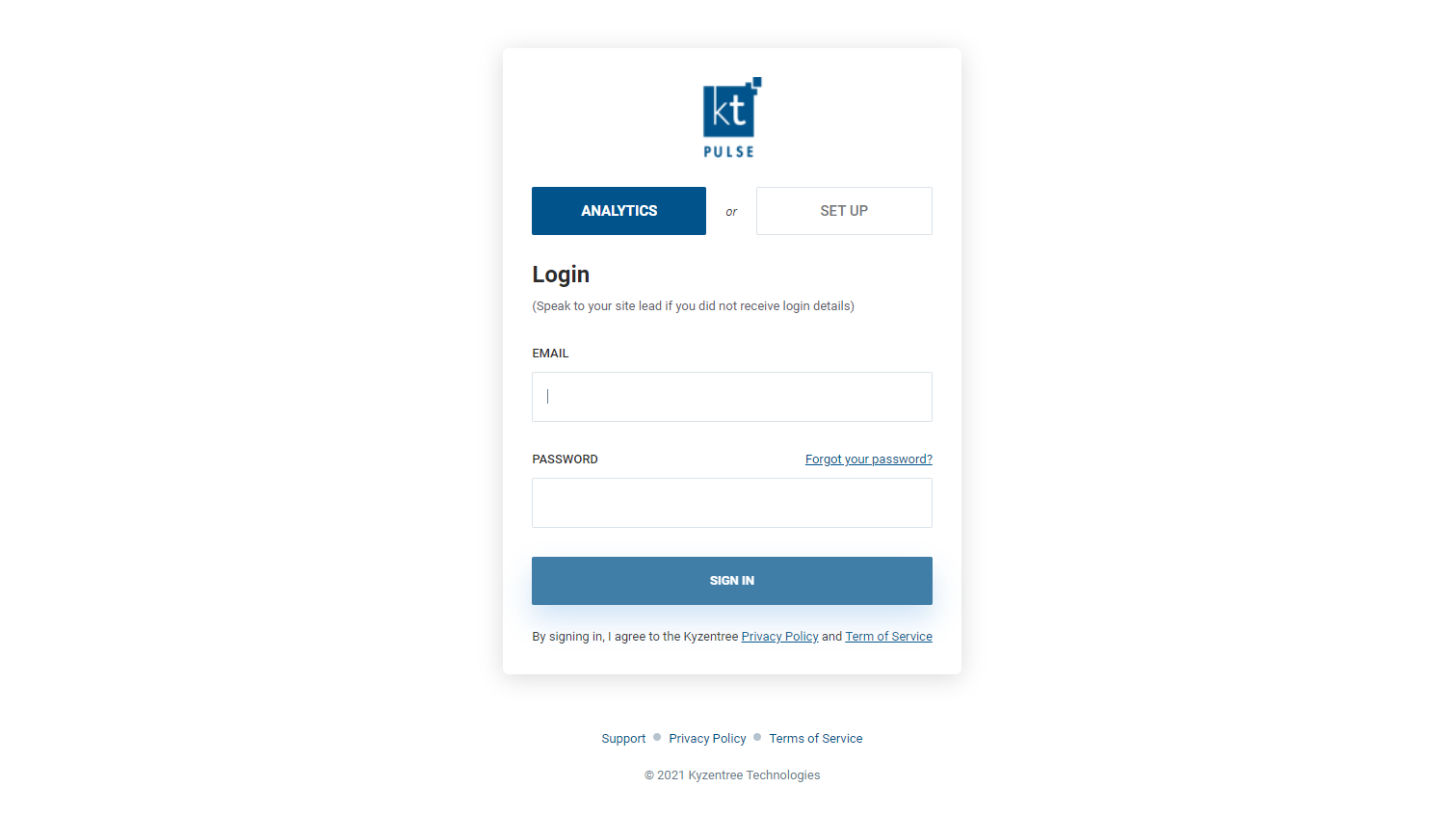
1. Sign in to your setup account (admin and super users only)
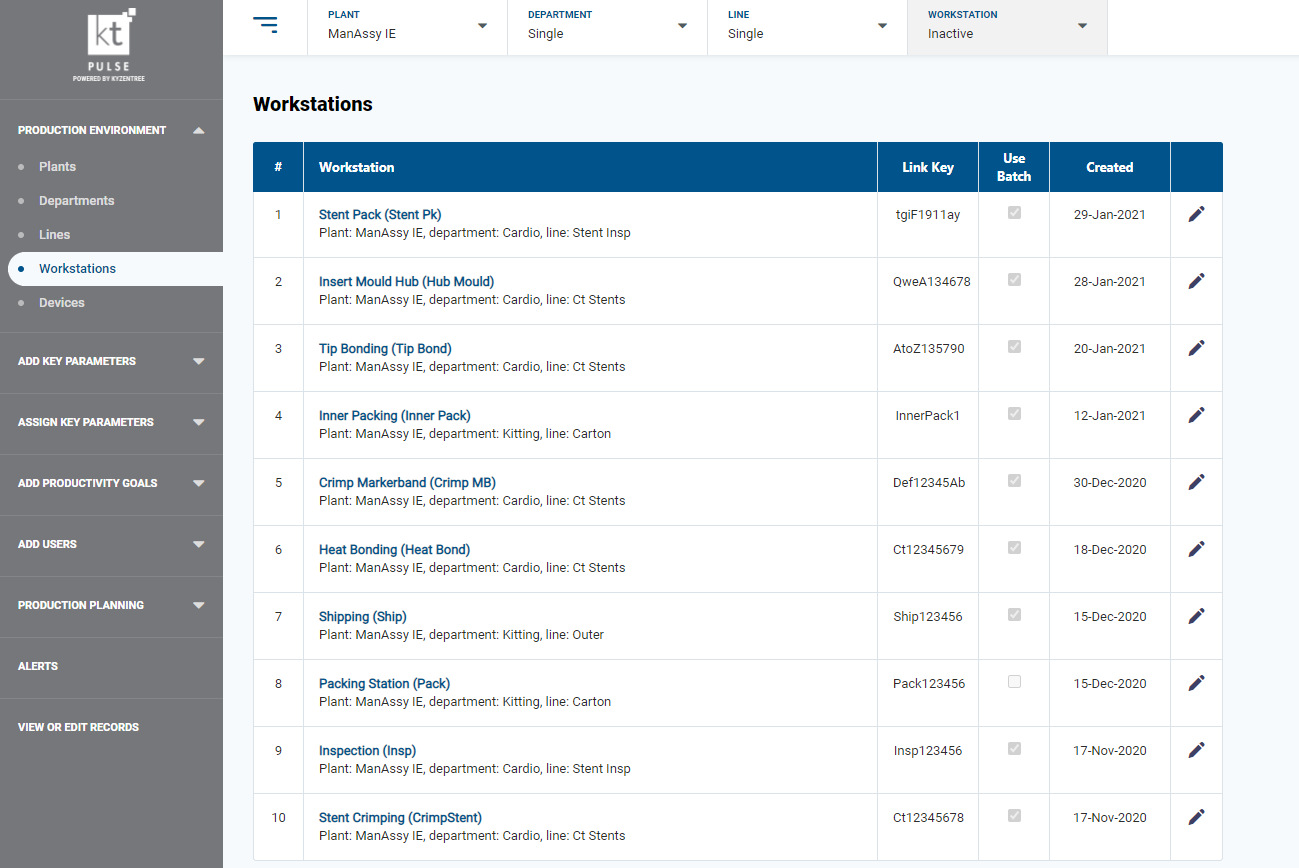
2. Enter your manufacturing parameters (shift patterns, downtime codes, etc)
3. Download the Kt-Pulse collector app onto your collectors (android or iOS device)

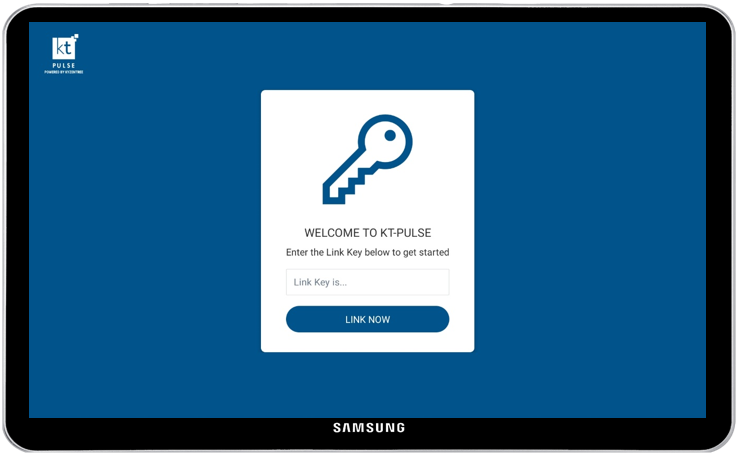
4. Link your collectors to the Kt-Pulse system
5. Install the collectors on the manufacturing floor, login and start collecting data
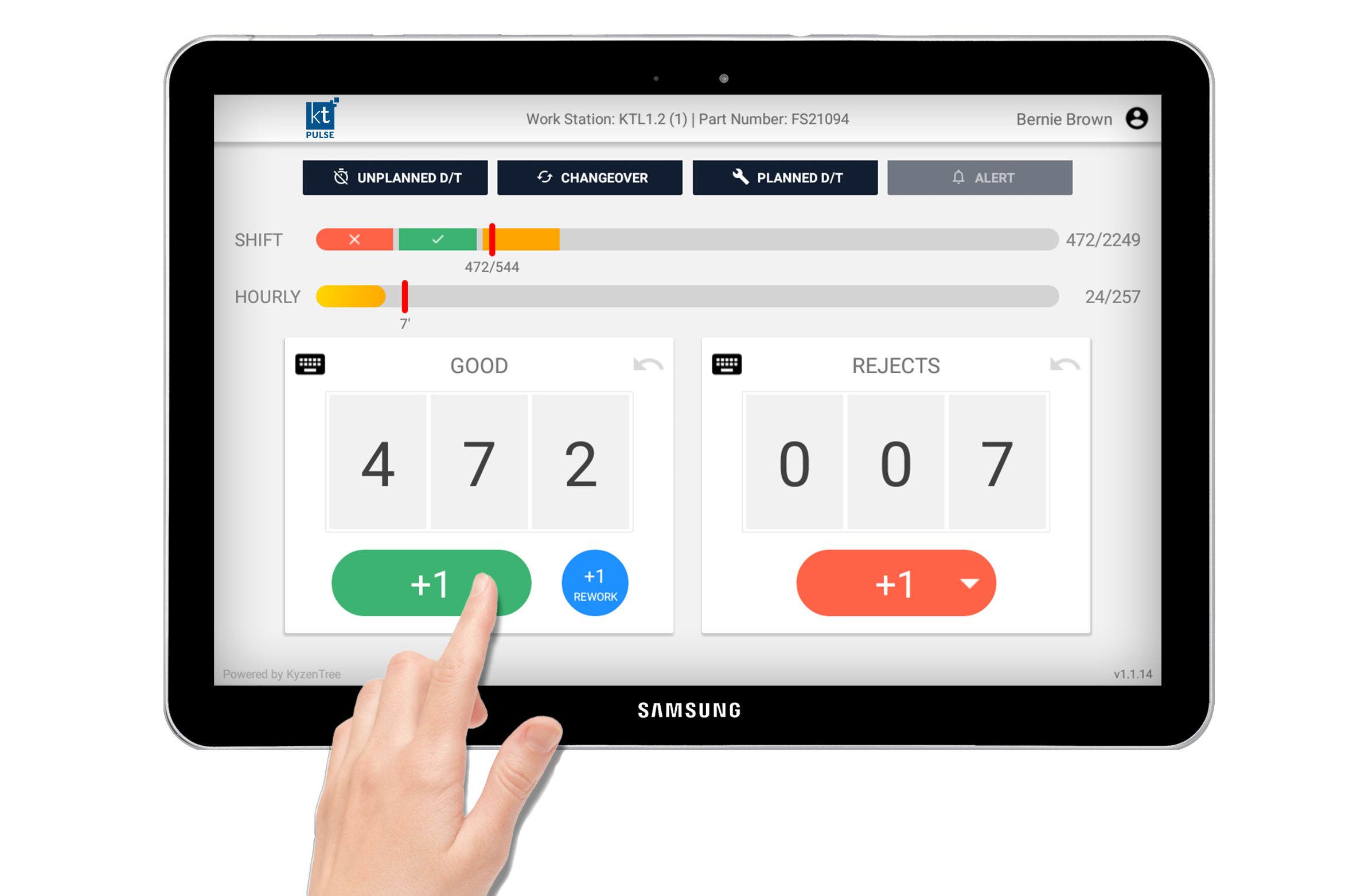
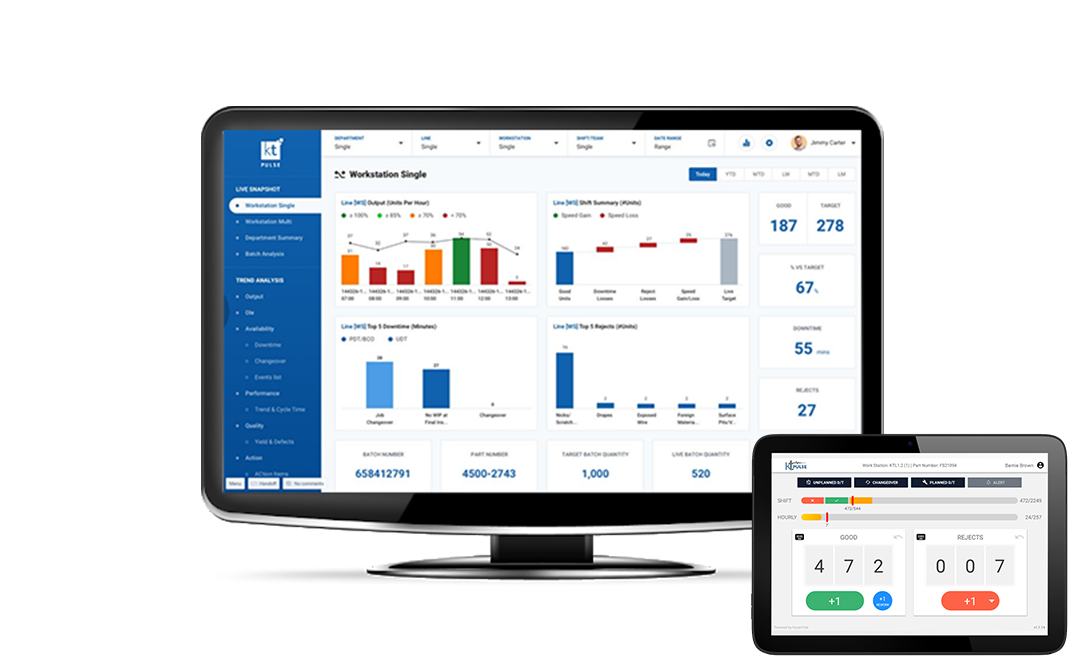
6. Visualise your manufacturing floor through the Kt-Pulse Analytics browser